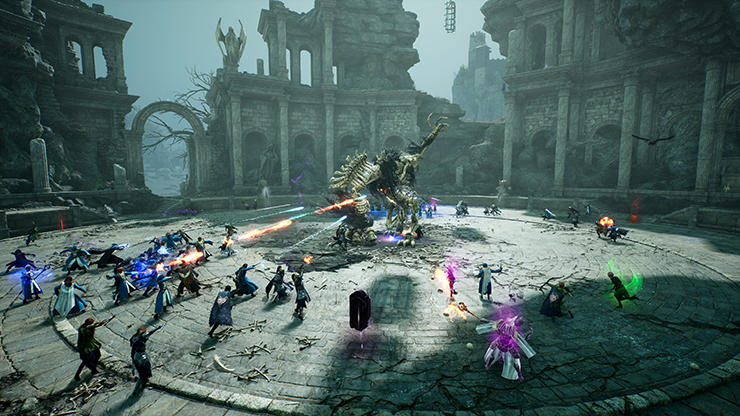
GUILD COORDINATION
One objective. Multiple groups.
Keep raid parties connected to the people leading the event.
 DISCORD VOICE RELAY
Keep your teams in their own channels. Send command calls to everyone, and hear only the designated leaders calling back.
Guild events, community meetups, and teams working in separate voice rooms. Keep the group conversation close and the shared direction clear.
Keep raid parties connected to the people leading the event.
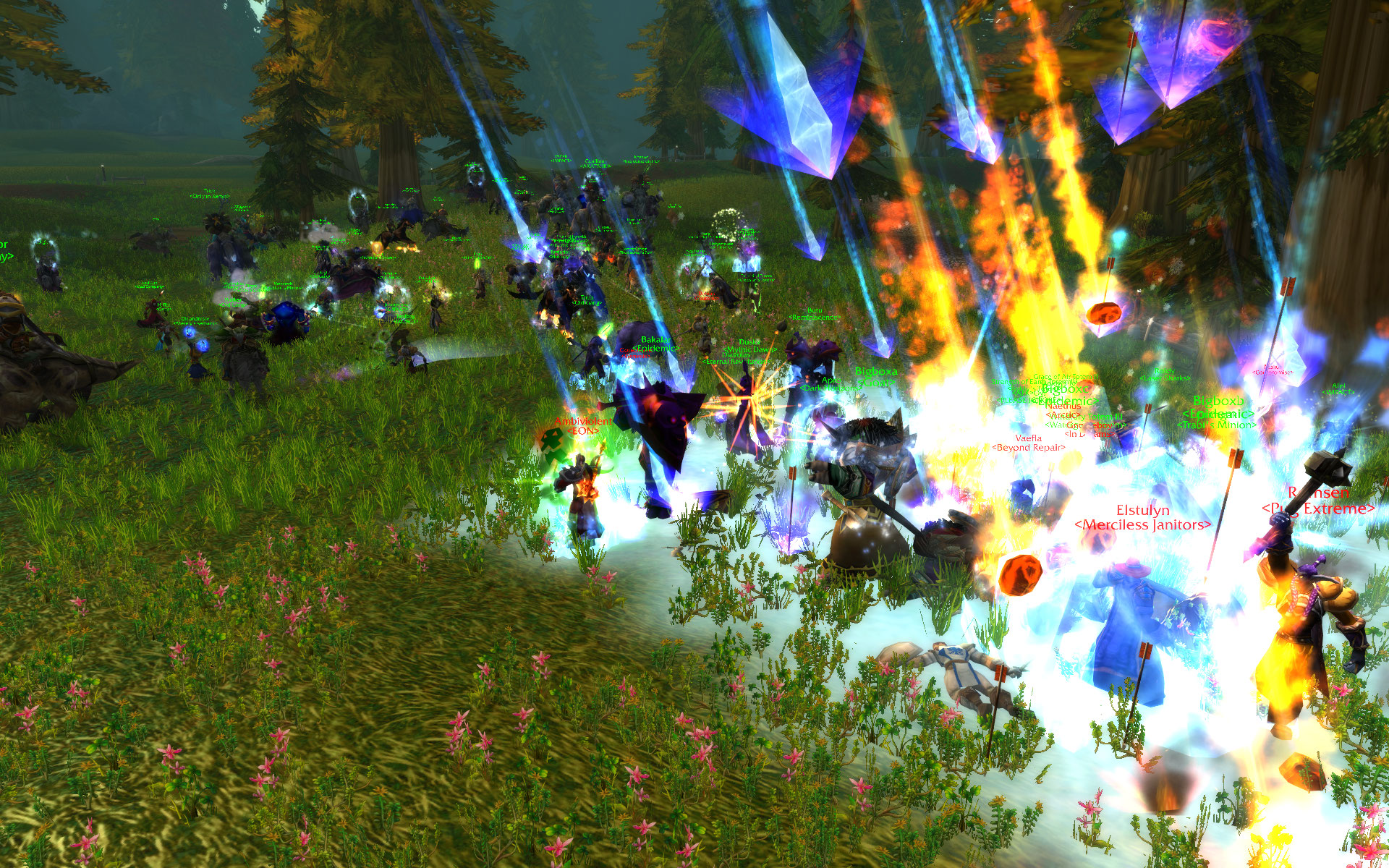
Broadcast directions while squad chatter stays with each party.
Gaming is one place to start. The same channel routing can coordinate groups throughout your Discord community.
GOZ Bot bridges your Discord voice channels while keeping everyday party chatter with the party.
Every shot caller in the command channel can broadcast to all configured parties automatically.
Assign one leader per party. Their replies reach command while their party hears them as usual.
Other members talk within their own party. Command can focus on the calls from designated leaders.
The server admin installs the relay bots, then configures the team through slash commands. Everyone uses their normal Discord app.
Download the command guideAdd the command bot, then approve one relay bot for each party using the generated links.
Create voice channels automatically, or map existing channels. Assign callers and party leaders.
Your seven-day trial begins when you run the command. Check connections with /relay status.
Coordinate your parties in one Discord server. Every plan includes an additional command channel.
Plus one command channel
Plus one command channel
Plus one command channel
Plus one command channel
Planned monthly subscription prices in USD. Explore sandbox checkout for 4 or 8 parties. Test purchases do not activate the live relay. The 12- and 24-party packages are planned. No automatic charge at the end of a free trial.
A separate cloud host and bot accounts for your community. Custom packages are planned.
Players use their normal Discord app. A server admin installs the bots and sets up the channels. The relay runs on our cloud host.
There is one bot for command and one for each party channel. Discord requires a separate approval for each bot. GOZ Bot provides the install links through /relay invites.
You need Manage Server to use the setup and control commands. The command bot needs Manage Channels and Manage Roles for automatic setup. Each relay bot needs View Channel, Connect and Speak in its assigned voice channel.
Automatic setup creates a private Command Channel and a Shot Callers role. Give that role to your callers. You can also map an existing voice channel with /relay channel.
The seven-day clock starts when an admin runs /relay trial after setup. It continues while paused or offline. When it ends, relaying stops. There is no automatic charge. Paid subscriptions are in preparation; checkout currently accepts sandbox test payments only.
The relay processes live audio in memory and does not save recordings. It stores server and channel IDs, leader assignments, access dates and configuration so the service can reconnect.
Email goziework@gmail.com for setup help, relay issues or questions about plans. Include your server name and the command or error you need help with. Keep bot tokens and passwords private.
Setup questions, voice relay issues, or a package for your community. Get in touch by email.
Your first seven days are free.